How to start
- Open bigboard.games on one phone or tablet and tap Start a table.
- Pick the game; the players at this device are set before the match.
- Lay the device flat between you and play.
One board between you
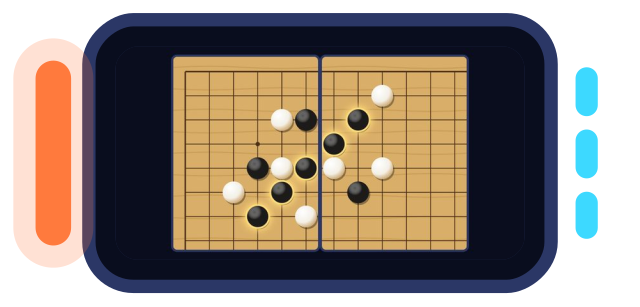
Start a table on one phone or tablet with two people on it, pick Go & Gomoku and choose Gomoku: the whole board fills the screen. Sit across from each other with the device flat between you, and each player's pot of stones sits at their own edge, a band on each side of the board.
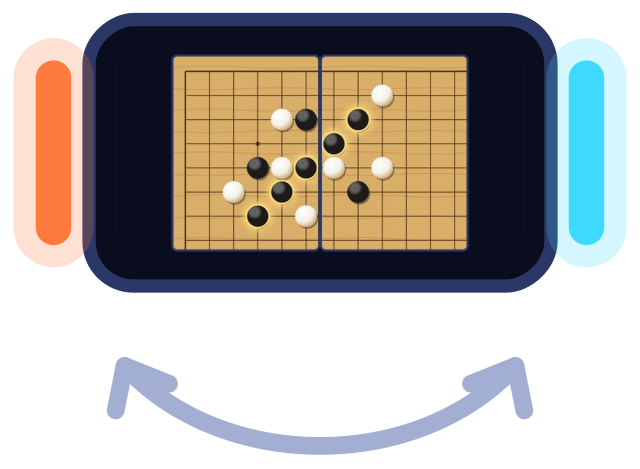
The screen's edge glows in the colour of whoever is to move, so a glance tells you whose turn it is. Tap a point for a ghost stone and tap again to place it, or drag a stone from your pot. On 19 × 19, two fingers zoom in on a corner.
Short games, quick rematches
A game of five in a row on one screen rarely lasts long: the threats come fast, and one open three left alone decides it. When someone gets five, the line lights up and the end card says who won; tap for a rematch and Black goes to the other player, so the head start takes turns too.
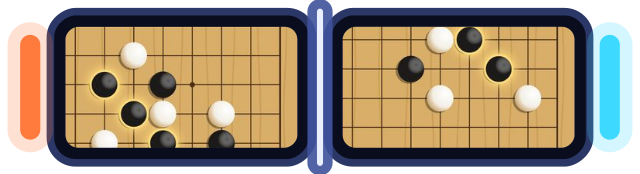
If every point fills and nobody has five, it's a draw. To make the first player's edge smaller, pick Renju: Black can't play a double three, a double four or a line longer than five, and a refused point says why. With a phone each, Gomoku on two phones can spread the board across both screens.
Four on one device
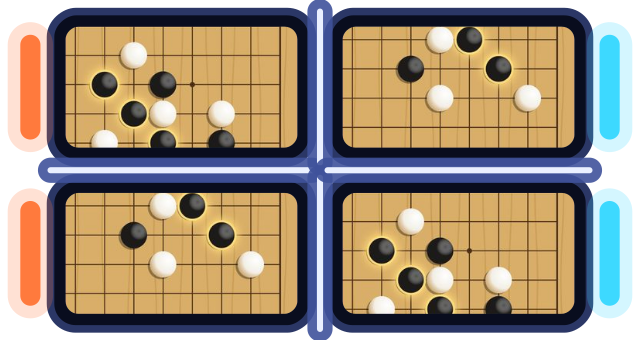
One screen also seats four: two pairs, Black and White, partners taking turns for their side, as Gomoku 2v2 explains. Hand the device round in turn order; the glow at the screen's edge always shows which colour is to move.
Alone? Make the other seat a bot. For more turn games two can share on one screen, the games for one device list them all.
Pass and play: questions and answers
Can four share one device?
Yes, as two pairs, Black and White, taking turns in order.
Is pass and play the same as hotseat?
Yes, both mean players taking turns on one device.
Can a Gomoku game end in a draw?
Yes, if every point is filled and nobody has five in a row.